
Technical SEO Audit: The 12 Checks That Actually Move Rankings

A technical SEO audit is not a list of every warning a crawler can produce. It is a prioritised investigation into why pages are not being crawled, indexed or ranked as well as they should be. Most sites have a handful of real problems hidden under hundreds of cosmetic warnings.
1. Confirm the site is crawlable
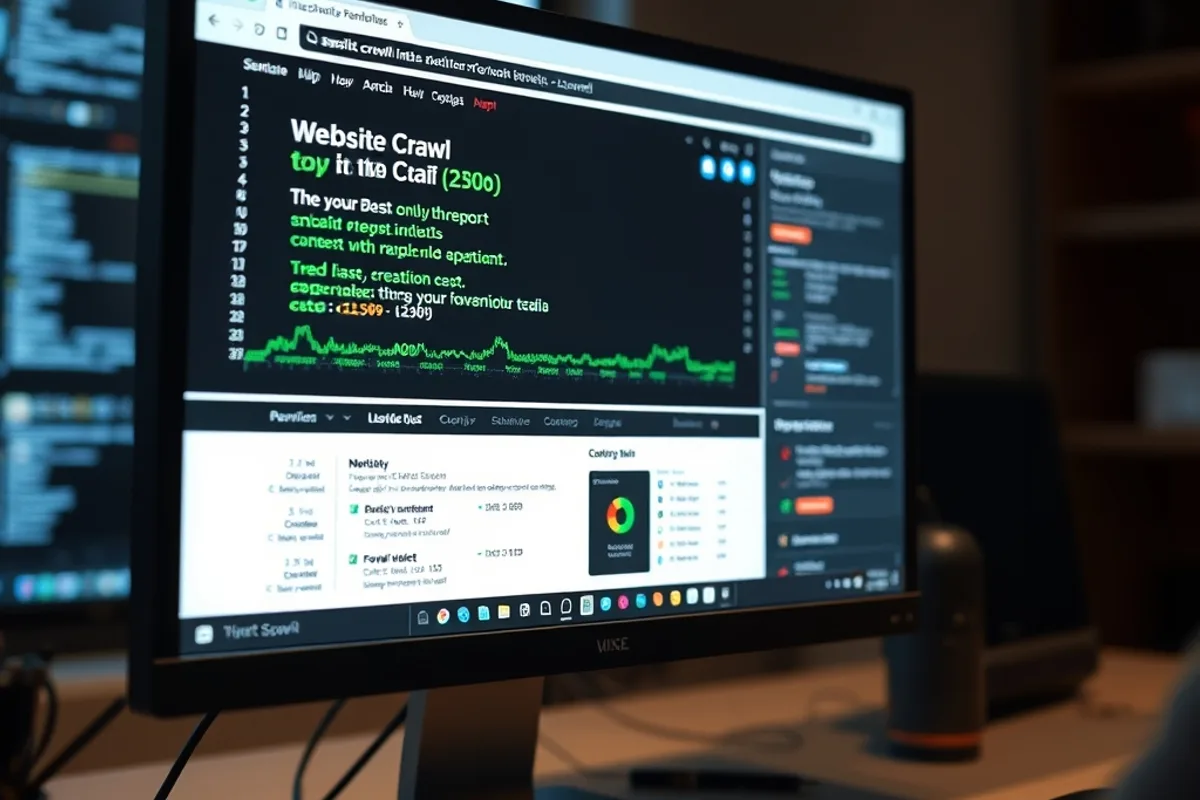
Check robots.txt for accidental blocks, then verify that important pages return a 200 status. A single stray Disallow can remove a whole section from search. Test with the URL inspection tool as well as a crawler, because they do not always behave the same way.
Look at server logs or crawl stats for errors. Frequent 5xx responses tell search engines the site is unreliable, which reduces crawl frequency.
2. Audit indexation
Compare the pages you expect to be indexed with what the search engine reports. Find pages marked noindex by mistake, canonical tags pointing elsewhere, and parameter URLs creating duplicates. A large gap usually means a template or a plugin is adding a directive you did not intend.
Check for soft 404s: pages that return 200 but show no useful content. They waste crawl budget and dilute quality signals.
3. Fix canonical signals
Every page should declare one preferred URL. Canonicals must be absolute, consistent and self-referencing where appropriate. Conflicting signals between canonical tags, sitemaps and internal links confuse the choice.
Paginated archives and filtered category pages need a deliberate rule. Do not canonicalise every filter to the parent page if the filtered content has real search demand; decide based on content value.
4. Clean the sitemap
A sitemap should list canonical, indexable pages only. Remove redirects, 404s and noindexed URLs. Split large sitemaps by type and submit them in the search console. Check that the last-modified dates are accurate; false freshness signals erode trust.
5. Repair internal links
Important pages need links from other relevant pages, not only from the navigation. Crawl depth matters: a page five clicks from the homepage is discovered and refreshed less often than one two clicks away. Fix orphan pages and replace vague anchor text with descriptive links.

6. Resolve redirects and status codes
Remove redirect chains and loops. Each hop wastes time and dilutes signals. Update internal links to point at the final URL rather than relying on redirects. Check that old URLs from a migration still resolve to the closest equivalent page.
7. Check mobile and rendering
Compare the rendered HTML with the source. Content injected by JavaScript may be missed or delayed. Ensure the mobile version contains the same primary content and links as desktop. Test tap targets, font sizes and intrusive interstitials.
8. Improve page experience
Use field data for Core Web Vitals and fix the largest element first. Speed is a tie-breaker rather than a magic ranking factor, but a slow site loses users and crawl budget. Read our Core Web Vitals guide for the technical detail.
9. Validate structured data
Use the official testing tools to confirm that article, product, FAQ and organisation markup is valid and matches the visible page. Do not mark up content that is not there. Structured data helps eligibility for rich results; it does not guarantee them.
10. Protect against cannibalisation
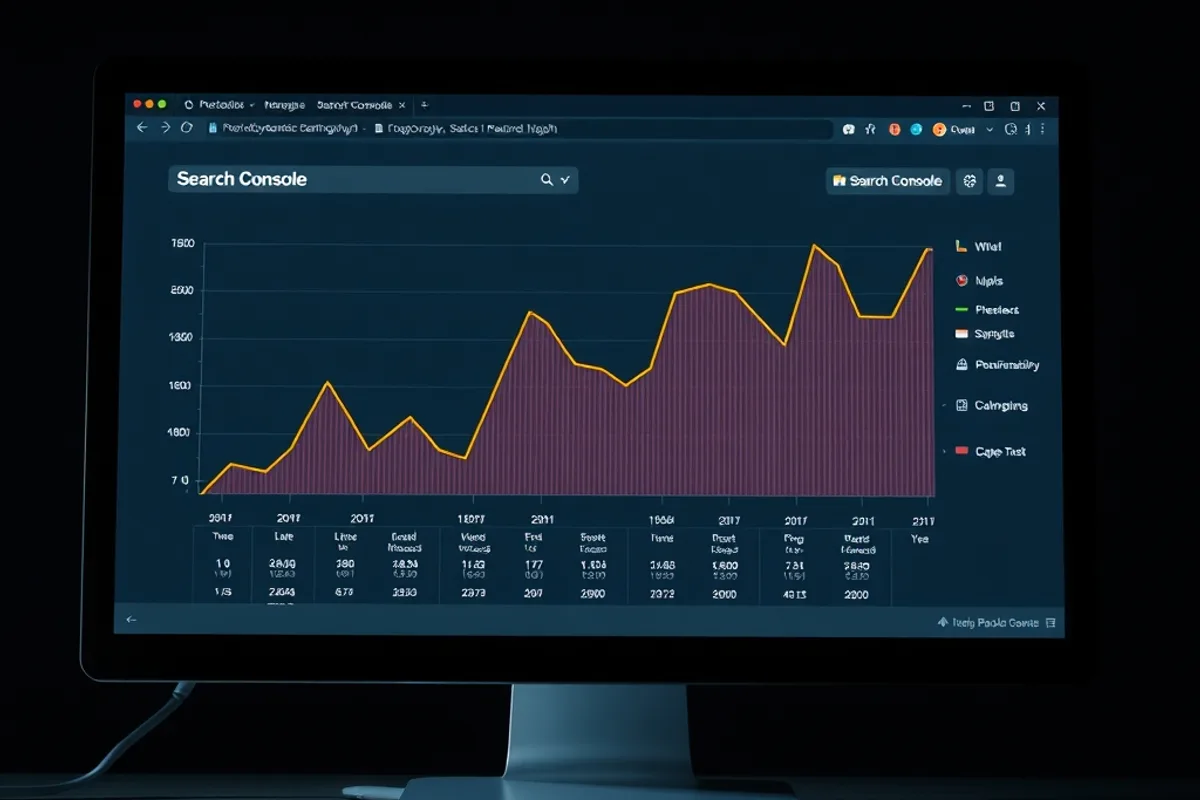
Multiple pages targeting the same query split links and confuse relevance. Identify overlapping pages in search console, then consolidate, differentiate or redirect. A single strong page usually outperforms three thin ones.
11. Audit hreflang and international setups
If the site serves multiple languages or regions, check that hreflang returns reciprocal links and points to canonical URLs. Missing return links are the most common error, and they waste the whole implementation.
12. Monitor and document
Record baseline clicks, impressions, indexed pages and Core Web Vitals before changes. After deployment, compare week over week and annotate the timeline. Keep a changelog so future audits do not re-litigate decisions.
"A technical audit is a prioritisation exercise. Fix what stops pages being found before you polish what helps them rank."
Priority order
Crawlability and indexation first, then canonical and duplicate control, then internal links and speed, then structured data and internationalisation. Re-run the audit quarterly, and after any migration or template change.
Once the foundation is sound, adapt content for answer engines with our AI search guide.
The bottom line
Most ranking problems are boring technical problems. Make the site easy to crawl, index and understand, then invest in content. A clean audit is not a one-off project; it is a habit.