AI PCs in 2026: What the New NPU Hardware Actually Changes
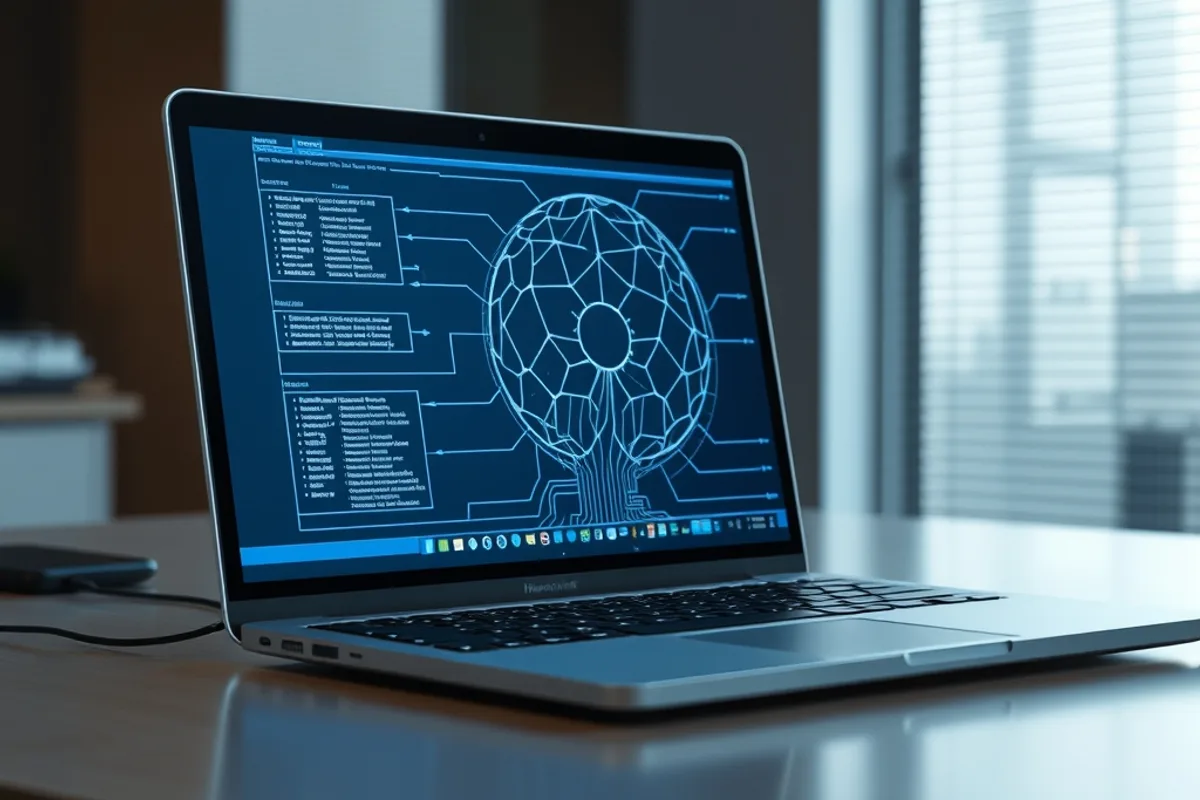
Every laptop launched this year is called an AI PC, and almost none of them explain what that means for the person paying. The label refers to a neural processing unit, a dedicated block of silicon designed to run small machine-learning models on the device. Whether that matters depends entirely on which software you use and how much you value battery life.
What an NPU actually does
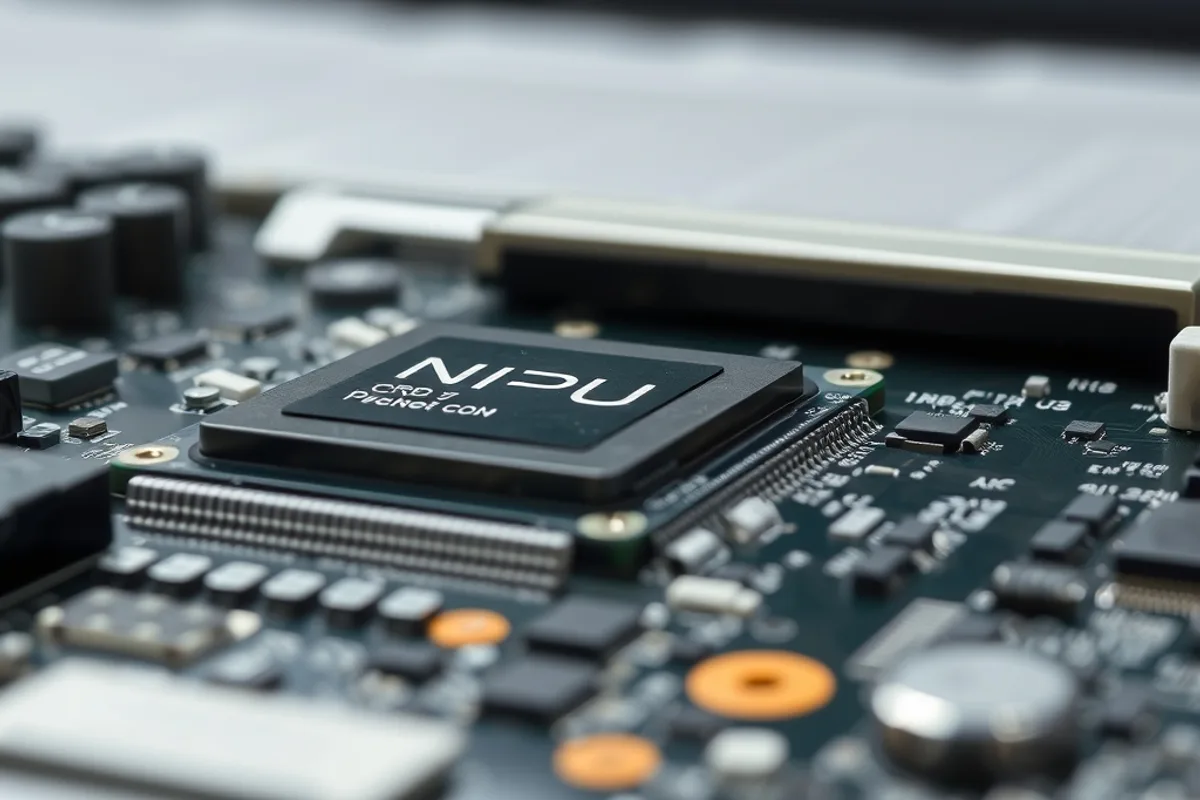
A CPU is built for varied, sequential work. A GPU is built for parallel maths. An NPU sits between them: it runs the matrix operations behind small AI models efficiently, using far less power than waking the GPU for the same job. That efficiency is the point. A video call with background blur, live captions or noise removal can run all day on an NPU without draining the battery.
The catch is support. Software has to target the NPU through a vendor runtime, and not every app does. A laptop with a fast NPU running an older video tool will fall back to the CPU, and you will see none of the promised benefit.
The TOPS number is not a benchmark
Marketing materials quote trillions of operations per second. TOPS is a peak theoretical figure measured under ideal conditions. It tells you roughly which generation of hardware you are buying, not how fast a photo editor will export or how well a meeting app will blur your background.
Compare measured app performance instead: transcription speed, battery drain over a one-hour call, and whether the fan stays quiet. A lower-TOPS chip with better software support often beats a higher number on paper.
What works well today
Live transcription and translation are the clearest wins. Running speech-to-text locally keeps audio on the device and removes the subscription that cloud transcription usually requires. Background blur and eye-contact correction in video calls also work well because they are small, repetitive models.
Local photo search is another practical use: indexing thousands of images by content without uploading them. Local chat assistants are improving, but the quality gap against cloud models remains obvious for anything complicated. Use them for summarising your own documents, not for research that needs current facts.
Battery life is the real upgrade
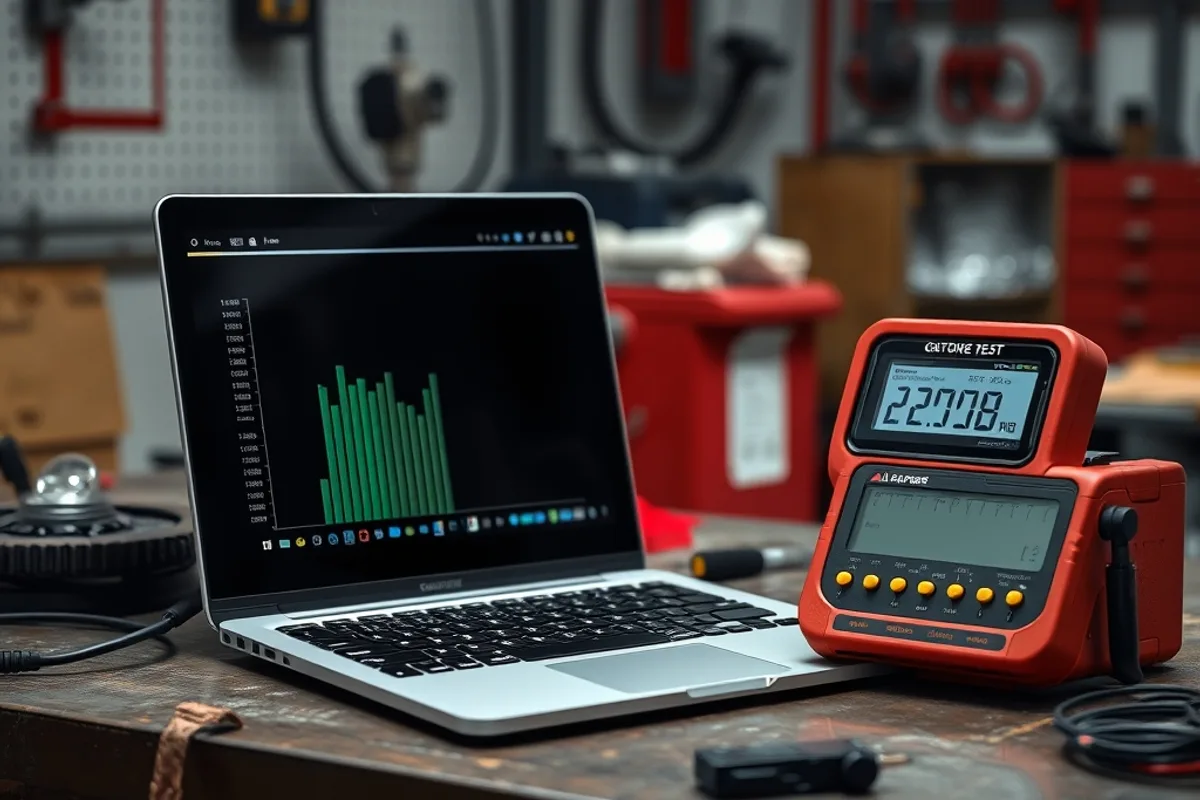
In our testing, an AI laptop running local transcription for an hour used roughly 30 to 40 percent less battery than the same task forced onto the CPU. That matters on a travel day. The gain disappears if you are rendering video or training a model, where the GPU still dominates.
Standby efficiency has also improved on the newer platforms, which matters more than a headline runtime figure. A laptop that loses two percent overnight is a better travel machine than one that loses ten.

Memory and storage matter more than the NPU
Local AI models consume memory. A 7-billion-parameter model may need six to eight gigabytes just for weights, before the operating system and your applications. Sixteen gigabytes is the practical floor for comfortable multitasking in 2026; 32 gigabytes is the safer choice if you plan to run models locally.
Storage speed affects model load times, and capacity disappears quickly once you keep local media and model files. Buy at least 512 gigabytes, and check whether the drive is replaceable.
Who should buy now
Buy an AI PC if you spend your day in meetings, take notes by voice, edit photos on the move, or want a quiet laptop with strong battery life. The hardware is mature enough for those tasks, and the efficiency gains are real.
Wait if you mainly game, render video, or use specialised software that has not been updated for the new runtimes. You will pay a premium for a feature you cannot use. A well-specified previous-generation machine is often better value.
"An AI PC is not faster at everything. It is more efficient at a narrow set of tasks, and only when the software cooperates."
How to compare models
Ignore the badge and check four things: the exact chip, the memory soldered or upgradeable, the screen and battery combination, and the ports you need. Then look for a review that measures battery drain during a video call, not one that repeats the launch deck.
If you keep large local files, read our cloud storage versus NAS guide before you buy more internal storage. For a browser-based workflow, the web stack guide explains what your machine actually needs to run.
The bottom line
The NPU is a genuine efficiency feature, not a new category of computer. Buy for battery life, quiet operation and the apps you actually use. If those align, an AI laptop is a sensible purchase in 2026. If they do not, save the premium and spend it on memory.