
Cloud Storage vs NAS: Which Backup Strategy Fits You?
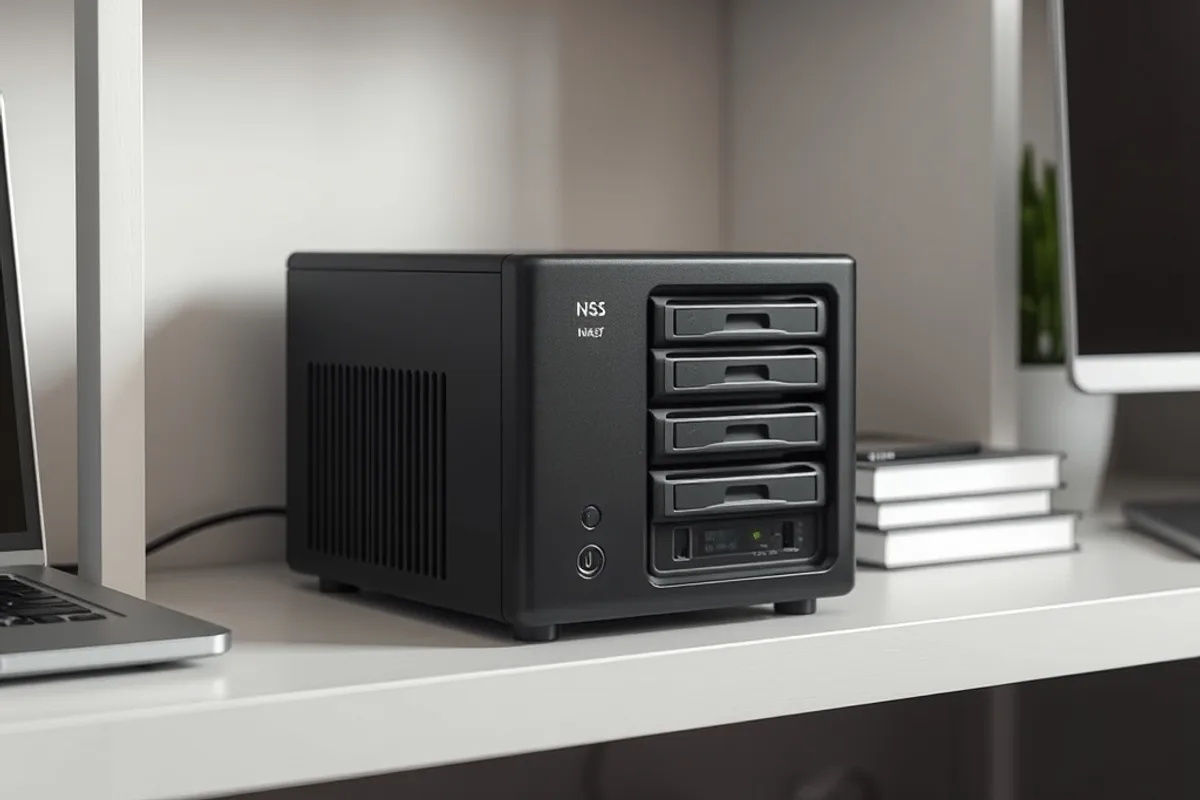
Cloud storage and a home NAS are often presented as rivals. They solve different problems. The cloud is someone else's computer, maintained for you, reachable anywhere. A NAS is your computer, maintained by you, reachable anywhere you can open a port or run a tunnel. The right answer is usually both, with a clear rule for what lives where.
Start with the threat you are protecting against
A single external drive protects against a failed laptop drive. It does not protect against fire, theft, ransomware or a accidental deletion that syncs instantly. Cloud storage protects against local disaster but fails if you lose access to the account or the provider has an outage.
Write down what you cannot afford to lose: family photos, client work, financial records. Then ask where a second copy lives and how quickly you could recover it. That exercise decides the architecture more than any product comparison.
The three-year cost
A two-bay NAS with two 8-terabyte drives costs roughly $600 to $900 upfront, plus electricity and the occasional drive replacement. A comparable cloud plan for 8 terabytes runs $120 to $240 per year, or $360 to $720 over three years, rising if you need more space.
The NAS looks cheaper after three years, but only if you value your time at zero. Setup, updates, drive monitoring and recovery testing take hours. Cloud storage costs more per terabyte but removes that maintenance.
Speed and workflow
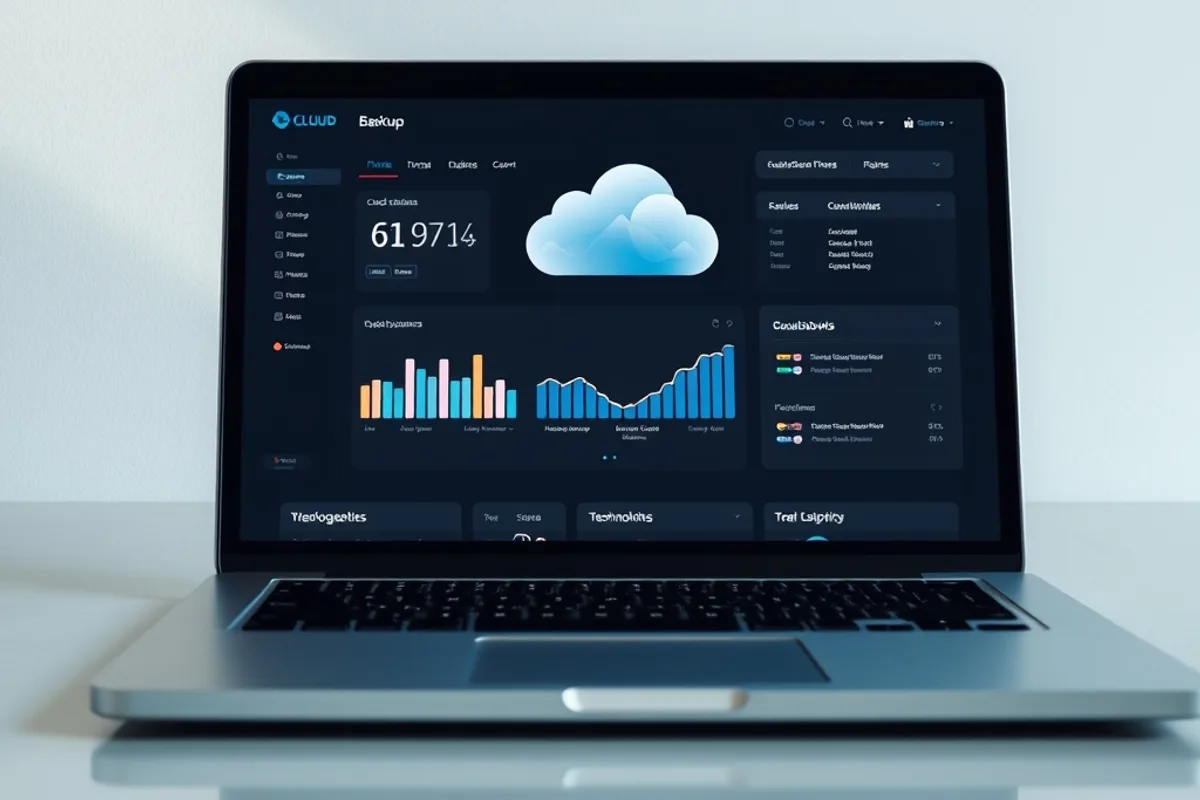
A NAS on a wired local network transfers files at hundreds of megabytes per second. Cloud uploads depend on your internet connection and are usually limited to tens of megabytes per second. For video editing or large photo libraries, working directly from a NAS is far more practical than streaming from the cloud.
Remote access changes the maths. A NAS behind a slow home upload is painful to use from another city. Cloud storage is consistent everywhere, which is why hybrid setups usually keep active projects on the NAS and a synced copy in the cloud.
Privacy, control and risk
Cloud providers encrypt data in transit and at rest, but you rely on their account security and their terms. Enable multi-factor authentication and keep a recovery code offline. Client work with contractual confidentiality may require encryption before upload.
A NAS gives you physical control, but it also gives you the failure modes: a stolen box, a flooded room, a misconfigured exposure to the internet. Never expose a NAS directly to the public internet without a VPN or a reputable tunnel, and keep the firmware updated.
Maintenance is the hidden cost
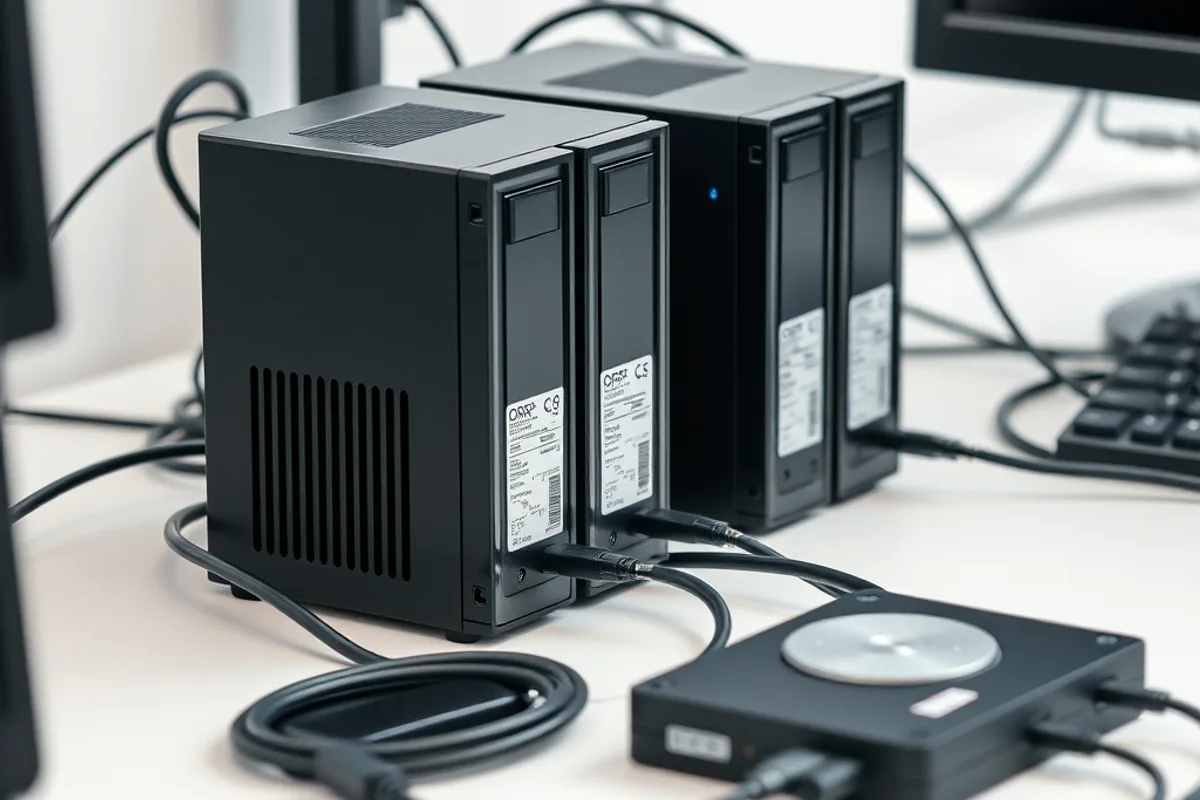
Hard drives fail. A NAS needs health monitoring, SMART checks and a replacement drive on the shelf. RAID protects against a single drive failure, not against deletion, corruption or ransomware. It is availability, not backup.
Cloud storage needs less attention, but you should still verify that files are actually uploading and that version history is enabled. A sync client that mirrors deletions is not a backup.
The 3-2-1 rule, applied
Keep three copies of important data, on two different types of media, with one copy off-site. A practical home setup: working files on the laptop, a nightly copy to the NAS, and an encrypted cloud backup of the NAS. That gives you local speed, version history and disaster protection.
Test a restore every few months. A backup you have never restored is a hypothesis. Recover one folder, time it, and fix whatever breaks before you need it for real.
"RAID is not a backup. It keeps the lights on when a drive dies; it does nothing when a file disappears."
Which should you choose?
Choose cloud storage if you have under two terabytes, work from multiple locations, and would rather pay monthly than maintain hardware. Choose a NAS if you have large media libraries, need fast local access, or want to own the storage long term. Choose both if the data matters and you can afford the discipline.
If you are buying a machine to run local AI models or edit media, read our AI PC guide for the memory and storage that makes sense. For the website side of your setup, see the stack comparison.
The bottom line
Do not choose a side; choose a copy strategy. Use the NAS for speed and working files, the cloud for off-site protection, and test a restore before you trust either. The cheapest storage is the one you never have to recover from a disaster.